Google is launching a new feature that will simplify and improve chat. Only a select few users are currently able to access the Gemini update for Google Messages. Gemini helps by providing smart recommendations and natural responses. This action demonstrates how Google intends to use AI-powered tools to personalize messaging.
Since these features seem like the texting of the future, many users are eager to test them out. You can find the right words, draft messages, and even get quick suggestions from the AI features in Google Messages app. Although early access is restricted, it portends a significant development for messaging apps in the months to come.
What Is Gemini and Why Does It Matter
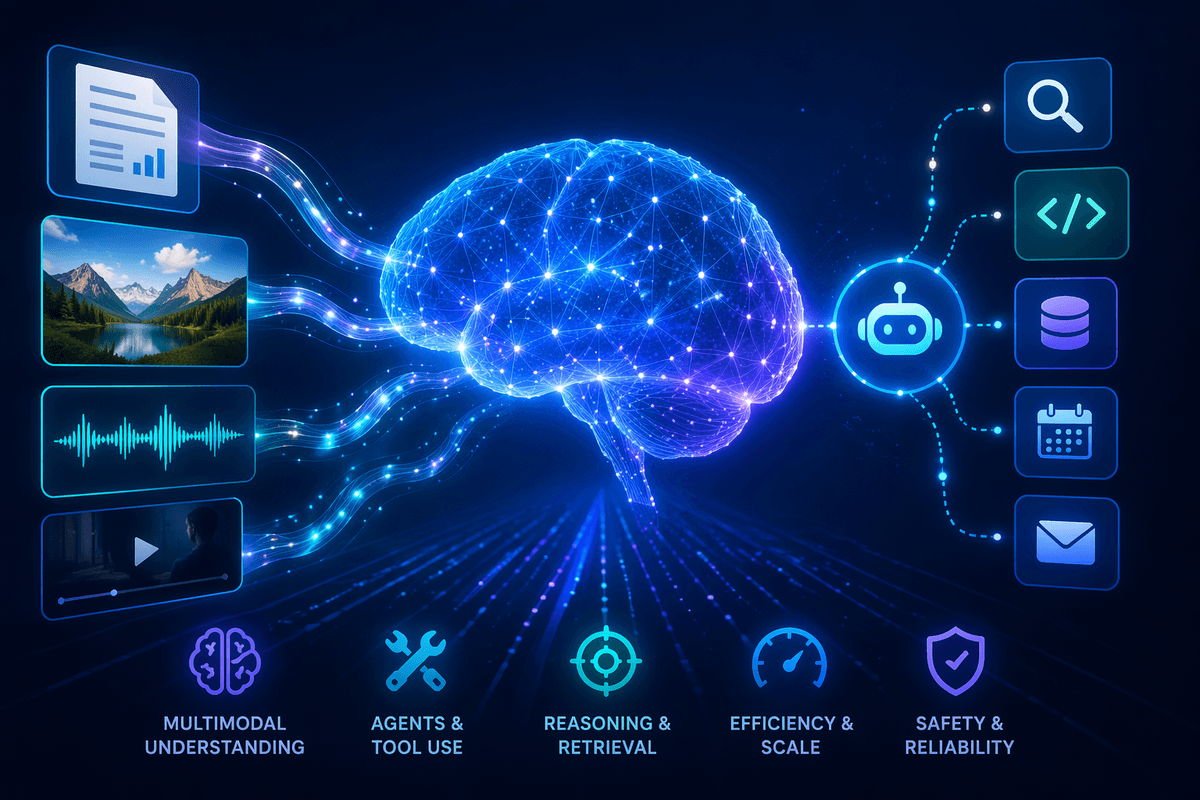
Google’s most sophisticated AI model, Gemini, is intended for intelligent tasks and daily communication. It was initially released to rival other well-known AI chat programs. That same power is now available in your messaging app with the Gemini integration in Google Messages. Gemini is capable of producing text, summarizing discussions, and even making more intelligent context-based recommendations.
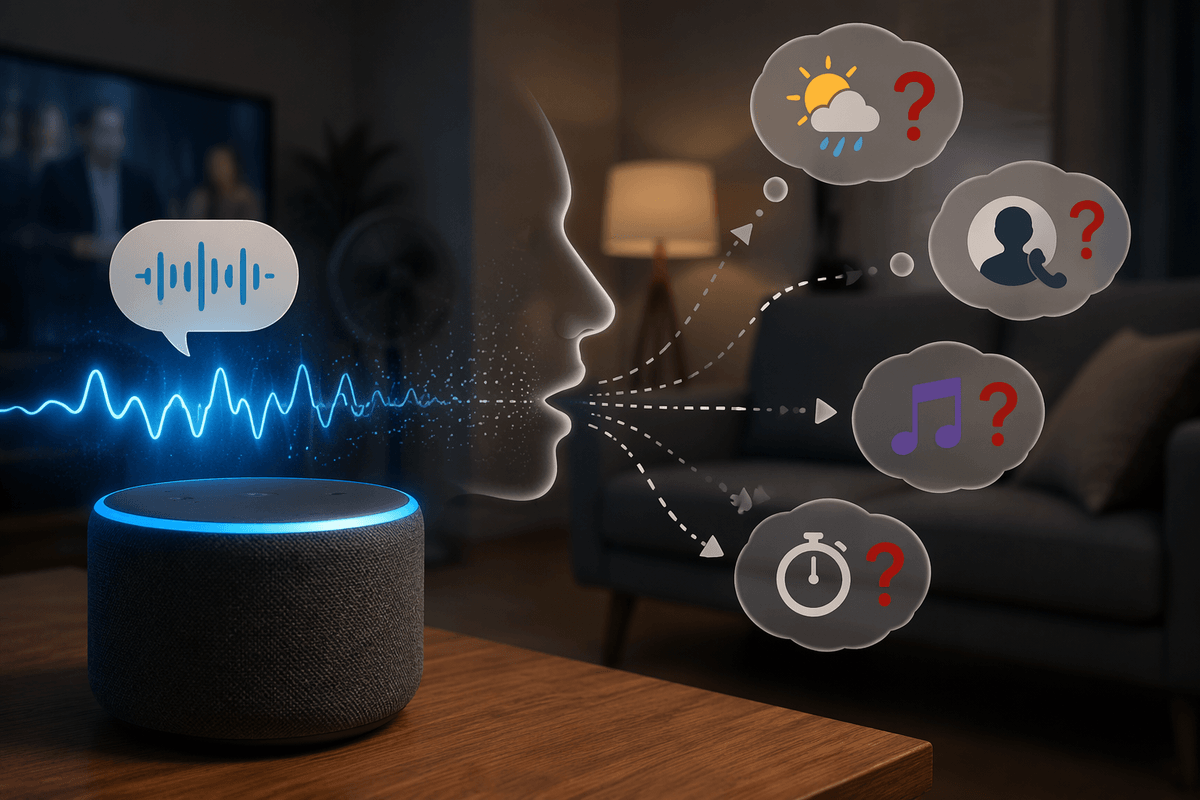
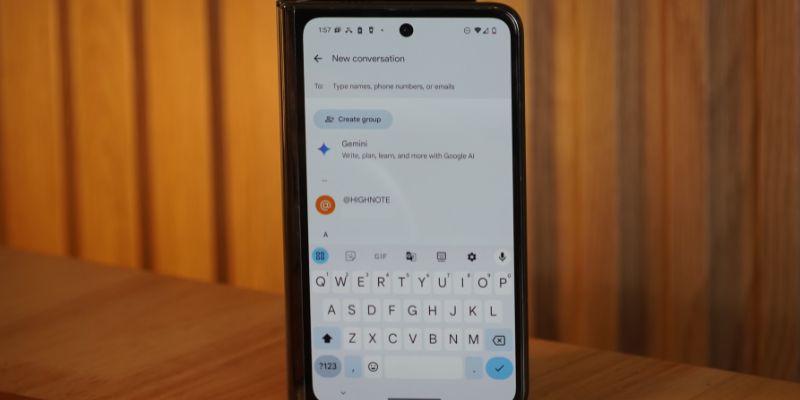
The goal is to facilitate faster and more seamless communication for users who send a lot of messages every day. Gemini will provide prompt answers and recommendations when you type in Google Messages. It’s like having a personal assistant in your chat window. Google wants to improve convenience and productivity by integrating AI into your messaging app. Users can anticipate more intelligent interactions without having to move to other platforms to get ideas or assistance.
How Gemini Works Inside Google Messages
The Gemini update for Google Messages works by analyzing the context of your conversations. It comprehends the topic at hand and provides precise, insightful recommendations. For instance, it might recommend times or locations when discussing meeting arrangements. If your message is unclear, Gemini can rewrite or refine it for better clarity. These smart responses make messaging easier than ever.
By handling a lot of tasks locally, Google has also protected privacy. For security reasons, the majority of the data remains on your device. You can either write your own text as usual or use the suggestions. The integration is seamless, so users don’t need to learn anything new. AI features are accessible without requiring complex steps because everything appears within the chat interface.
Who Can Access Gemini Features Now
Not everyone can currently use the AI features in the Google Messages app. To guarantee stability and performance, Google is rolling out Gemini gradually. Currently, the feature is only available to a limited number of users in specific regions. According to some reports, early access may be granted to Pixel phone owners first.
Although a precise date has not yet been confirmed, the company intends to increase availability in the upcoming months. Update your app to access the latest features if you’re interested. Gemini recipients report a new icon appearing in their messaging interface. Your account is not included in the current phase if you haven’t seen it yet. Google eventually wants all Google Messages users to have access to Gemini.
Benefits of Using Gemini in Messaging
There are several benefits to the Google Messages Gemini integration update. It saves time by suggesting context-based responses. Sending precise answers doesn’t require you to type every character by hand. Second, Gemini can revise your messages to make them more professional and understandable. Both professional and personal conversations benefit from this feature.
Third, during chats, the AI can offer pertinent information. For instance, Gemini can respond right away if someone inquires about the location or the weather. These features improve communication and reduce stress during busy times. Lastly, because Gemini is integrated into the app itself, it produces a seamless experience. Installing additional tools or copying text to another platform is not necessary. Within Google Messages, everything functions as it should.
How to Enable Gemini in Google Messages
Enabling Gemini is easy and takes a few steps if your device supports it. Get the most recent version of the Google Messages app first. In settings, the update for Google Messages should appear as an extra choice. Within the app, you might notice a toggle labeled “AI features” or “Gemini assistant.” To apply changes, turn it on and then restart your application.
Once enabled, you’ll see prompt responses and recommendations show up in your conversations. If you don’t see the option yet, it means that Google has not yet enabled it for your account. In that case, because the rollout is gradual, check for updates frequently. Before using these cutting-edge AI features, some users might also need to sign up for beta programs.
What Future Updates Could Bring
Google’s larger AI plans are just getting started with Gemini in Google Messages. Over time, the Google Messages app’s AI features might get more sophisticated. Google might soon support voice commands or provide real-time translation. Conversations would be quicker and more inclusive for users worldwide with these enhancements.
Additionally, Gemini can be integrated with other Google services, such as Calendar and Maps. It implies that users could use AI to share locations or schedule events directly. Improved personalization is another anticipated update. Over time, Gemini might pick up on your preferences and respond with more relatable responses. Google aims to develop a natural-feeling chat experience powered by AI. Gemini will become a key component of all Android messaging experiences globally with future updates.
Conclusion:
The launch of Gemini in Google Messages is a major step toward AI-powered communication. The Google Messages Gemini integration update demonstrates the direction of messaging, even though not everyone can use it at this time. Chatting is made easier by more intelligent suggestions, quicker responses, and useful features. Google’s strategy emphasizes privacy and convenience, which increases the appeal of this update. Keep your app updated and watch for rollout announcements to access these tools. AI will soon play a crucial role in all conversations, revolutionizing how people communicate via Google Messages.