When your voice assistant hears the right words wrong
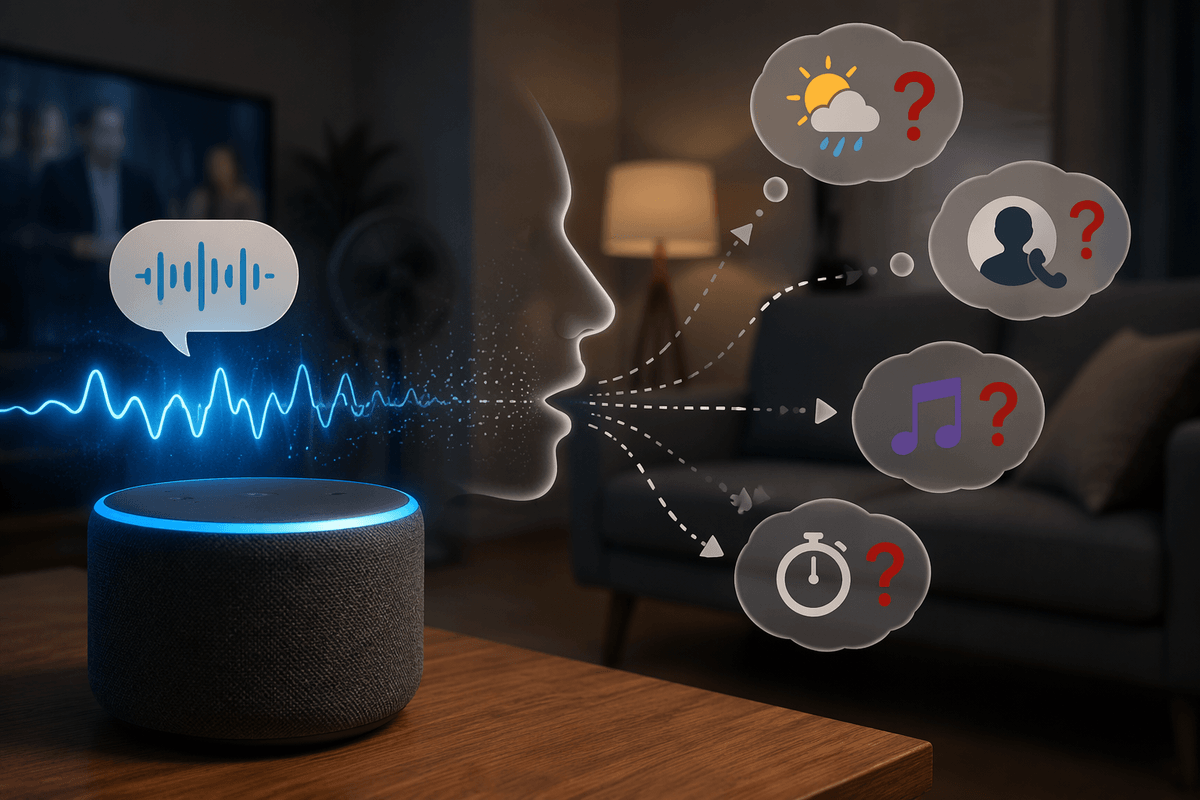
You say, “Set a timer for ten minutes,” and your speaker replies with a weather forecast. Or you ask your phone to “call Mom,” and it calls the wrong contact. These failures feel random because you’re judging the request by meaning, while the assistant is judging it by sound patterns under imperfect conditions. Tiny changes—someone talking over you, a fan running, the phone angled away, a name stored with odd spelling—can push the system toward a different best guess.
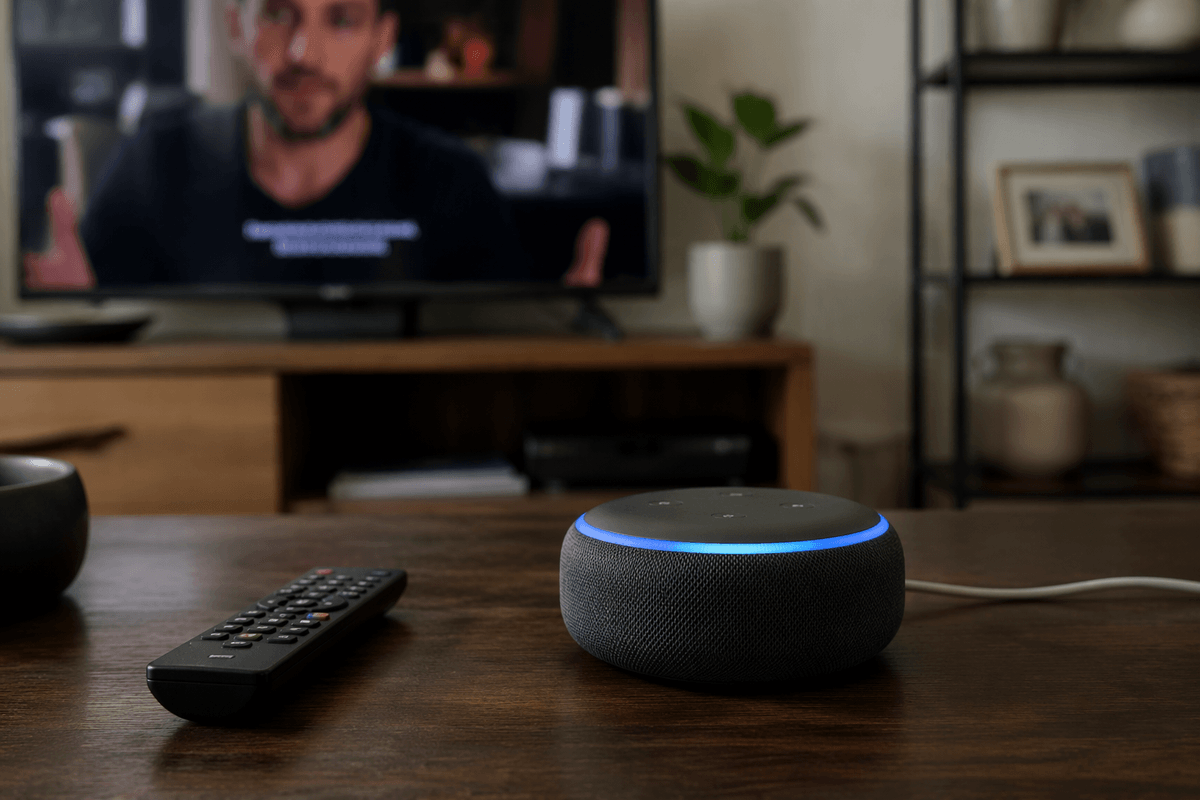
It also isn’t always “mishearing” in the everyday sense. Sometimes the wake word was triggered by a TV line, a podcast, or a similar-sounding phrase, so it starts listening mid-sentence and fills in gaps. Other times it hears you fine but maps your words to the wrong action because two intents are close. The practical constraint is that doing this fast, on small microphones, often with partial on-device processing, forces trade-offs that show up as confident mistakes.
What the assistant is actually listening for (and missing)
When you talk to a voice assistant, it isn’t primarily “listening for meaning.” It’s trying to convert a stream of audio into a probable sequence of words, then match that text to an intent like “set a timer” or “call a contact.” Each step is a best-guess process, so the assistant can sound certain even when it’s picking between two close options. A small slip early—hearing “ten” as “two,” or “call” as “play”—often locks in a different path downstream.
It also ignores more than you’d expect. It doesn’t truly know which parts of a conversation are important; it leans on patterns it has learned and on your device’s context (recent calls, your location, common commands). That’s why unusual names, uncommon phrasing, or switching languages mid-sentence can fail, and why background speech sometimes “wins” if it’s clearer than your voice at the microphone.
Noise, accents, and rooms: the physics that distort speech
Picture giving a command while the dishwasher runs and someone talks from across the room. The microphones aren’t capturing “your voice,” they’re capturing pressure waves plus everything else: fan hum, clinking dishes, and the TV. Some noises mask specific speech bands, so parts of consonants disappear and words that share rhythm can blur together. Distance matters too. Your voice drops in level fast as you move away, while the noise in the room may not.
Rooms add their own distortion. Hard surfaces create echoes that smear syllables, and corners can boost low frequencies that make speech sound muddy. Phone placement changes what the mics “see”: a device on a soft couch can lose clarity compared to a hard table. Accents and fast speech stack on top of that. If the assistant’s model has less exposure to your vowel shapes or cadence, it needs a cleaner signal to get the same accuracy—something real homes don’t always provide.
Why some phrases trigger the wrong action anyway
You can speak clearly and still get a wrong action because the assistant isn’t deciding from scratch each time. It ranks a short list of likely “intents” based on the words it thinks it heard, plus what people usually ask after similar phrases. If you say, “Play The Office,” the system has to guess whether you meant a podcast episode, a TV show on a connected device, a playlist called “Office,” or even a contact nickname. Small wording differences—“play,” “watch,” “open,” “call”—can be treated as near substitutes, especially when the transcription is slightly off.
Some triggers are basically shortcuts. Phrases like “turn it up,” “stop,” or “cancel” are designed to be fast and forgiving, so they fire with less context. That helps usability, but it increases accidental matches from TV dialogue or a nearby person. Tightening this usually adds friction: extra confirmations, slower responses, or more “Which one did you mean?” prompts.
The hidden role of training data and language assumptions
Think about how you phrase a request when you’re in a hurry: “Chuck on some tunes,” “ring my mum,” “make it quieter,” or “put the kettle on.” A voice assistant only handles these smoothly if its speech and intent models have seen enough similar examples. Training data tends to be uneven across regions, dialects, ages, and speaking styles, so the system may “normalize” your words into the closest common pattern it knows. That can turn a perfectly clear request (to you) into a wrong transcript or a wrong intent, especially with names, slang, or code-switching between languages.
Language assumptions show up in smaller ways too: what counts as a contact name, how addresses are spoken, which music titles are more “likely,” and whether your pause means “I’m thinking” or “end of command.” Fixing this isn’t just a software switch. It often requires collecting and labeling more diverse audio, updating models, and testing in real rooms—work that costs time, money, and privacy trade-offs.
How attackers and pranksters can ‘fool’ assistants on purpose
A lot of “fooling” is just taking advantage of the same shortcuts that make assistants convenient. If a device will act on a wake word plus a short command, anyone within earshot can try it—roommates, guests, a delivery driver at an open door, or a voice coming from a TV. Some attacks are low-tech: yelling “unlock the door” at a smart speaker near a window, or saying “call” and relying on the assistant to pick a likely contact. Others use audio tricks: playing commands at very low volume, embedding them under music, or using speech that sounds like noise to people but still matches patterns the model recognizes.
Most of these stunts only work when the attacker can get sound to the microphone and when your setup allows high-impact actions without a second check. Voice-match features help, but they aren’t perfect, and many assistants still allow certain actions from any recognized speech in the room. The risk is less “Hollywood hacking” and more predictable misuse of defaults and proximity.
What you can do: setup tweaks and safer habits
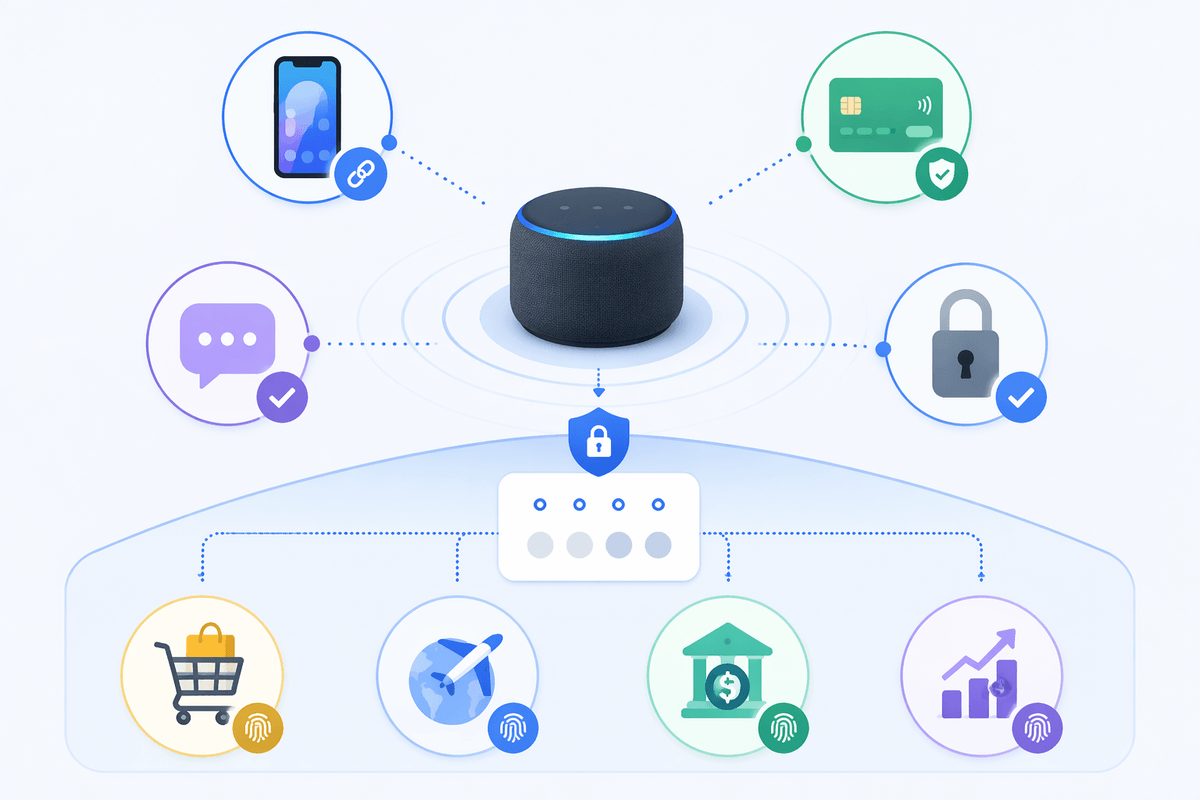
In practice, the biggest wins come from reducing ambiguity and raising the “cost” of risky actions. Put the device where it hears you better than the TV (not right under a speaker, not facing a hallway), and rerun voice training if it offers it. Turn on Voice Match/Personal Results only for the accounts you need, and review what it actually unlocks—some assistants treat purchases, messaging, and smart-lock control differently than timers and music. If your platform supports it, require a PIN or confirmation for purchases and for anything that exposes personal data.
Use more specific phrasing (“call Mom on mobile,” “play the album…”) and give uncommon contacts clearer names. When guests are over, use a “mute mic” button or a guest mode if available. Periodically check voice history for accidental triggers, and remove old devices or linked services you no longer use—the leftover integrations are where small misfires can turn into real consequences.
The takeaway: ‘fooled’ is predictable, and improving is possible
Once you look at the pipeline—wake word, noisy audio, best-guess transcription, then a ranked “intent”—most odd behavior stops being mysterious. “Fooled” usually means the system took the easiest path that fit the sound it captured, not the meaning you intended, and it will keep doing that whenever your room, phrasing, or defaults create the same ambiguity. The good news is you can shape the odds: cleaner placement, clearer naming, and confirmations for sensitive actions reduce both accidents and low-effort abuse. The limit is convenience—every extra check costs speed, and some misfires are inevitable.