Why on-device video recognition feels slow on phones
You point a camera at something, the preview looks smooth, and then your “real-time” labels lag behind by half a second. The confusing part is that each piece sounds fast on paper: the model is “only” a few milliseconds, the camera is 30 FPS, the phone has a neural engine. In practice, video recognition is a chain of small costs that stack up—camera capture, color conversion, resizing, moving pixels between CPU and GPU/NPU, running inference, post-processing, then drawing overlays.
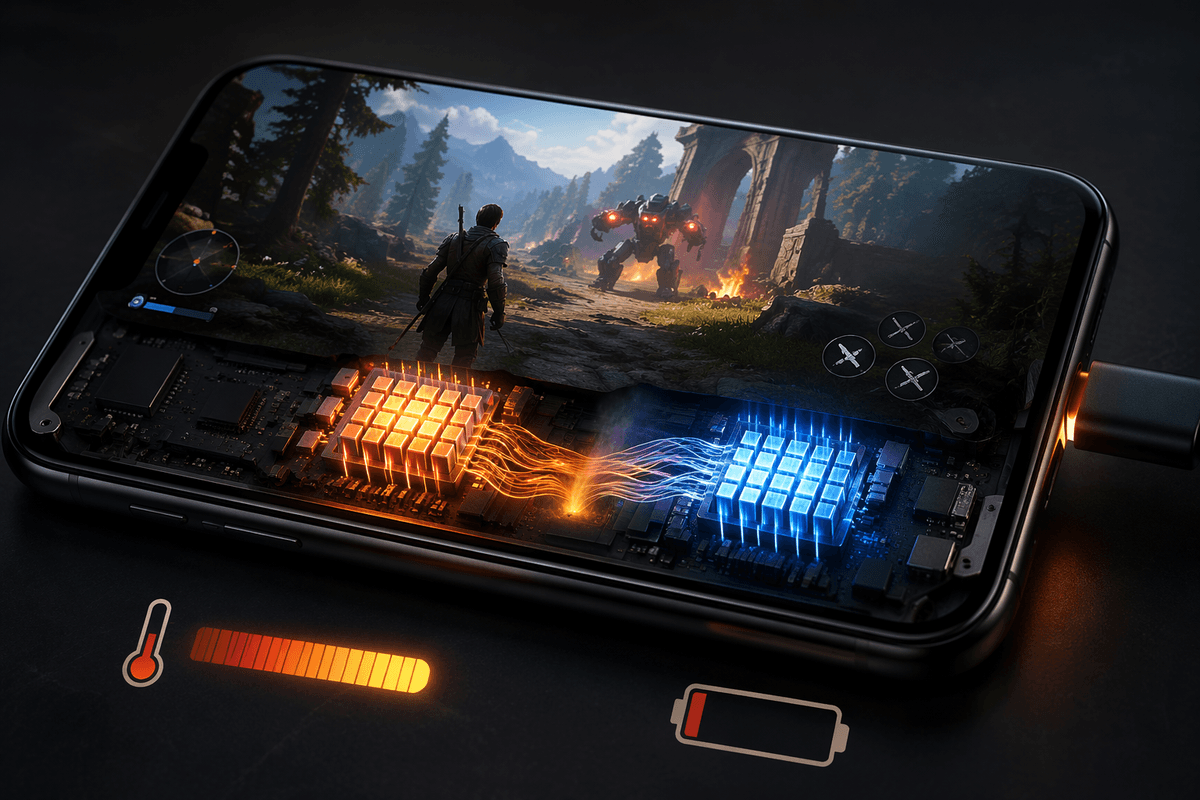
Phones also throttle. A pipeline that hits 25 FPS for the first 10 seconds can drop to 10–15 FPS once the device warms up, the OS reduces clocks, or other apps contend for the same accelerators. Memory bandwidth is another quiet limiter: pushing full-resolution frames through multiple buffers can be slower than the math. Getting to stable real-time usually means spending less work per frame, and doing fewer frames on purpose.
Start by measuring the bottleneck, not guessing
The fastest way to waste a week is to “optimize the model” before you’ve timed the whole loop. Start with end-to-end latency from camera timestamp to overlay draw, then break it into buckets you can actually move: capture, YUV→RGB conversion, resize/normalize, tensor upload, inference, post-process (NMS, smoothing), and rendering. On Android, add simple trace spans (Perfetto/Systrace) around each stage; on iOS, use Instruments to see where the main thread blocks and when the GPU is busy.
Measure in steady state, not just cold start. Run for 60–120 seconds, record FPS and per-stage time, and watch for throttling and queue buildup (frames waiting to be processed). A common surprise is that “5 ms inference” still yields 200 ms latency because frames pile up behind a slow conversion or because work happens on the UI thread. Once you see the slowest stage and whether you’re compute-bound or memory-bound, the next choices get obvious—and cheaper.
Choose a recognition setup that matches your use case
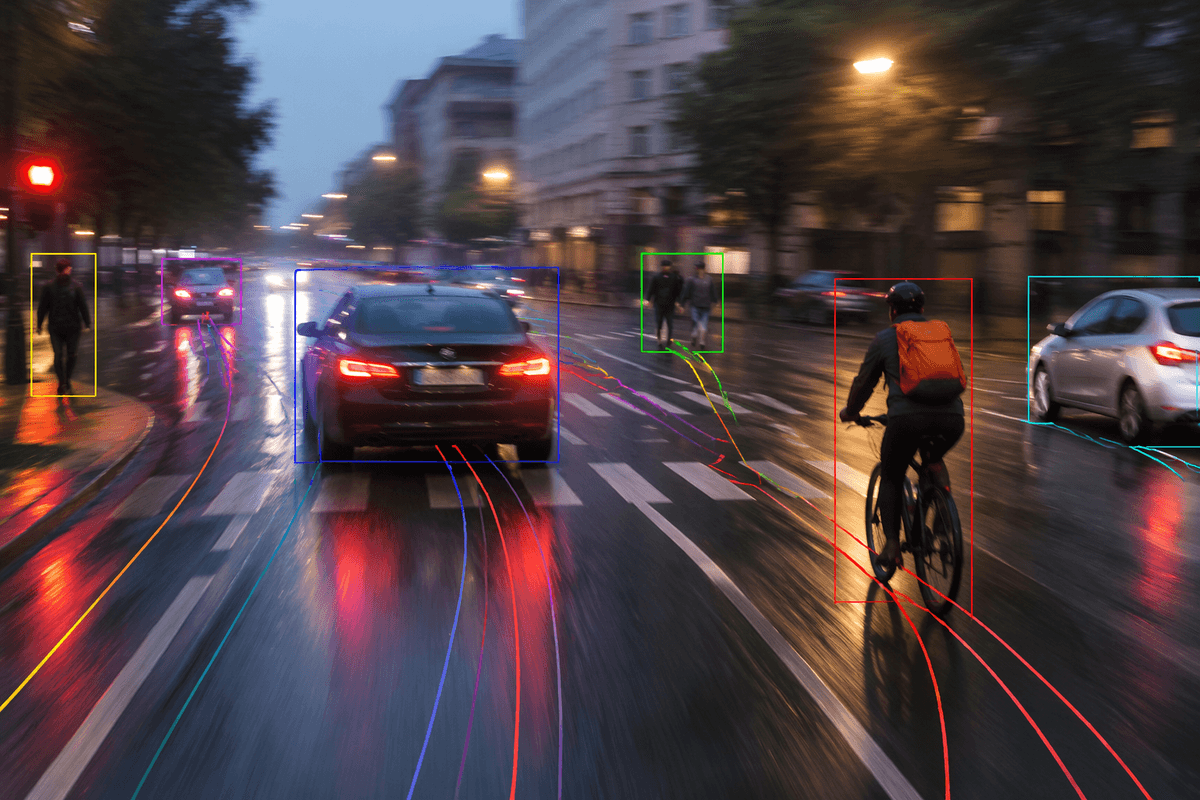
A familiar failure mode is treating video like “30 photos per second.” If you run full detection on every frame, you pay the heaviest cost constantly, then wonder why latency grows as the device warms up. For many features, you don’t need that. If the user just needs a stable box around a known object, run detection occasionally (for example, 5–10 FPS) and track in between with a lightweight tracker or optical flow. If you need instant “is this present?” feedback, a small classifier on a center crop can run every frame, and only trigger a larger detector when confidence drops.
Match the setup to the interaction: camera search wants low latency; analytics-style counting can tolerate batching and lower FPS. Multi-object scenes usually push you toward detect-then-track, while single-subject experiences can use landmarking or pose models that are cheaper than general detection. The constraint is complexity: tracking drifts, re-detection logic adds edge cases, and debugging across devices takes real time—so keep the pipeline as simple as your product can accept.
Make input cheaper: resolution, frame rate, and ROI cropping
A common “free win” is realizing you’re paying to process pixels no user will notice. If your model input is 224×224 or 320×320, feeding it a 1080p frame first is wasted bandwidth unless you truly need fine detail. Downscale as early as possible (ideally while staying in YUV on Android, or using the camera pipeline on iOS) and avoid extra full-frame copies. Then be deliberate about frame rate: many UX loops feel real-time at 10–15 FPS if latency is low and overlays are stable. Dropping from 30 FPS to 15 FPS often halves pre-processing load and leaves headroom for sustained performance.
ROI cropping is the next lever. If the user is aiming at a document, barcode, face, or center subject, crop to that region before resize/normalize, and only widen the ROI when confidence falls. You need UI guidance (reticles, “move closer”), and you’ll miss off-center objects unless you design for it.
Pick and compress models without breaking accuracy
You usually feel the model choice most when you try to hold 10–15 FPS for a full minute on mid-range phones. Start with architectures that were built for mobile (for example, MobileNet/EfficientNet-lite style backbones, small YOLO variants, lightweight pose/face models) and benchmark them in your exact pipeline. Two models with similar mAP can behave very differently once you include pre/post work like NMS, keypoint decoding, or face embedding normalization. If your feature doesn’t need “detect everything,” narrowing the label set or switching from a general detector to a task-specific model can cut compute without any “compression” work at all.
When you do compress, favor techniques with predictable behavior: post-training INT8 quantization is often the first stop because it can bring a real speed and memory win, especially on NPUs/DSPs, with minimal engineering. You need a representative dataset, and video quirks (motion blur, low light) must be in it or accuracy drops in the worst moments. Pruning and distillation can help, but they cost training time and iteration cycles, and you may end up re-tuning thresholds and smoothing because smaller models tend to jitter more frame-to-frame.
Use the right runtime: NNAPI, Core ML, GPU, or DSP
You can have a “fast” model and still be slow if it runs on the wrong engine. On iOS, start with Core ML and confirm it’s actually using the Neural Engine (or GPU) for your ops; one unsupported layer can kick work back to the CPU and blow up latency. On Android, NNAPI is the default door into device accelerators, but behavior varies by vendor and OS version, so test on representative phones, not just a Pixel. GPU delegates can be a good middle ground when NPUs don’t support your model well, but they can contend with rendering and raise power if you keep the GPU busy continuously.
DSP/NPU paths tend to be the most efficient per inference, but they’re also the most brittle: stricter op support, quantization requirements, and driver quirks that show up as “works on one Samsung, fails on another.” Budget time for fallback (CPU or GPU) and for verifying sustained performance, because the “fastest” runtime on a cold run is not always the one that holds 60 seconds later.
Pipeline tricks that keep speed stable over time
A slow increase in end-to-end latency often has less to do with inference speed than with requests piling up in the pipeline. Queueing is usually the real culprit. Instead of allowing frames to accumulate, keep only one frame active at each processing stage and discard older frames when the system falls behind. Prioritizing the newest frame keeps camera-to-display delay predictable, which users generally perceive as smoother than maintaining a higher frame rate with growing lag.
A straightforward threading model also pays dividends. Running camera capture, inference, and UI rendering on separate threads prevents one stage from blocking another. Memory management deserves the same attention. Reusing buffers and tensors instead of allocating new ones every frame reduces garbage collection on mobile devices and avoids the periodic stutters that come with heap pressure. Data conversions are another common source of hidden overhead, so keeping images in their native format for as long as possible minimizes unnecessary copies between YUV, RGB, and tensor representations.
Thermal limits eventually become part of the equation, especially on phones and embedded devices. A gradual quality ladder—lowering frame rate, reducing input resolution, or shrinking the region of interest as processing time increases—helps maintain stable responsiveness under sustained load. Recovering performance slowly once temperatures drop avoids constant switching between quality levels. The trade-off is additional engineering work, since every operating mode needs its own testing and threshold tuning across different hardware platforms.
A practical checklist for shipping fast mobile video AI
Before you ship, lock a target like “<100 ms camera-to-overlay at 10–15 FPS for 2 minutes on a mid-range device,” then test against it. Time every stage in steady state, confirm the model stays on the intended accelerator, and verify worst-case scenes (low light, motion blur, multiple objects). Make inputs cheap first: early downscale, ROI crop, and deliberate frame dropping to keep latency bounded. Choose the simplest pipeline that meets UX (detect-then-track only if you can support drift and re-detect logic). Reuse buffers, avoid per-frame allocations, and run with a fallback path, because driver/runtime support will break on some phones.